

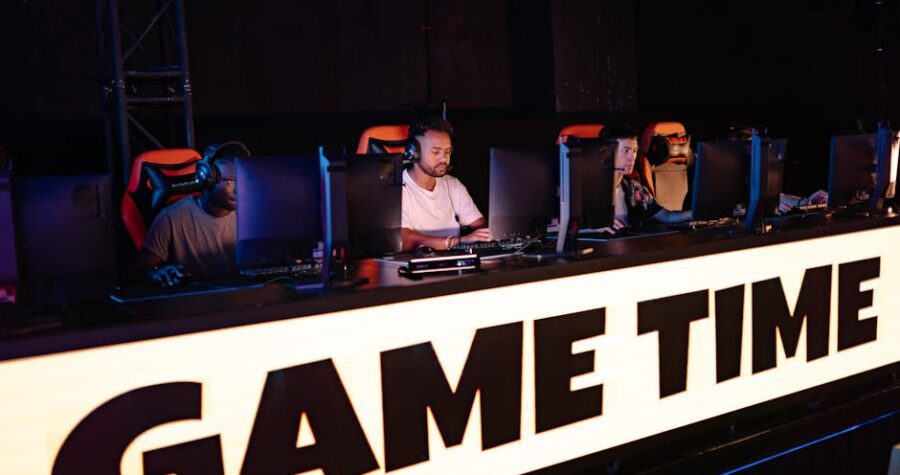
Esports sponsorship strategy: how to build strong brand partnerships and prove ROI beyond impressions
Esports sponsorship deals look simple on paper: a brand pays, a team promotes, and both sides hope the numbers line up. In practice, the best partnerships are built much earlier, with clear goals, audience fit, and a plan for proving value after the campaign ends.
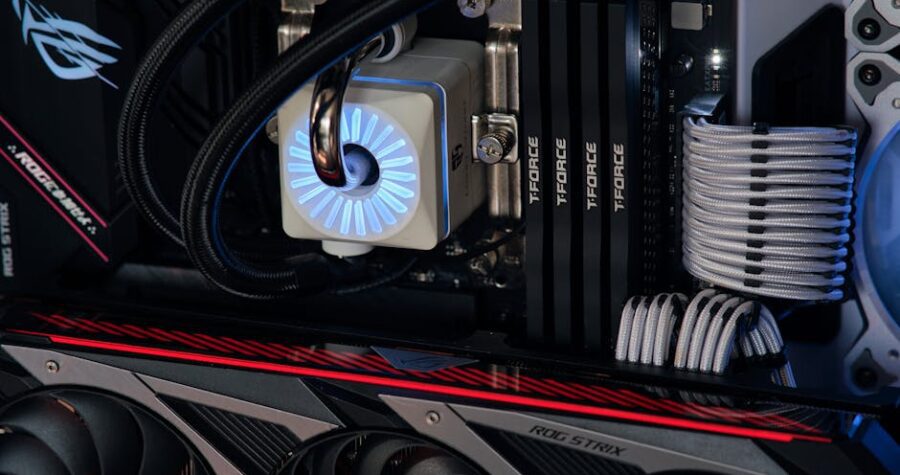
How to fix packet loss in CS2: jitter checks, route testing, and router settings
Packet loss in CS2 can turn a clean match into a mess of missed shots, delayed peeks, and rubber-banding movement. If your aim feels off even when your crosshair is right on target, the problem may not be your mechanics at all.
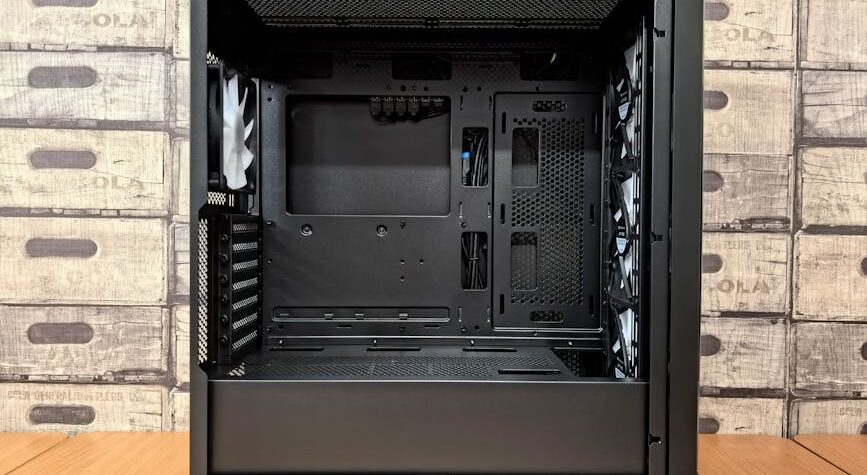
Fortnite FPS drops and input lag: a step-by-step fix for stutter, latency, and micro-stuttering
Fortnite can feel smooth one match and jittery the next. A sudden frame drop, a delayed click, or a short freeze can throw off aim, building, and edits within seconds.

Rocket League control settings for consistent hits: sensitivity, deadzones, camera, and responsiveness explained
If your shots feel clean one game and messy the next, the problem is often not aim alone. In Rocket League, small changes to movement and camera behavior can make touches feel stable or awkward, even when your mechanics are solid.
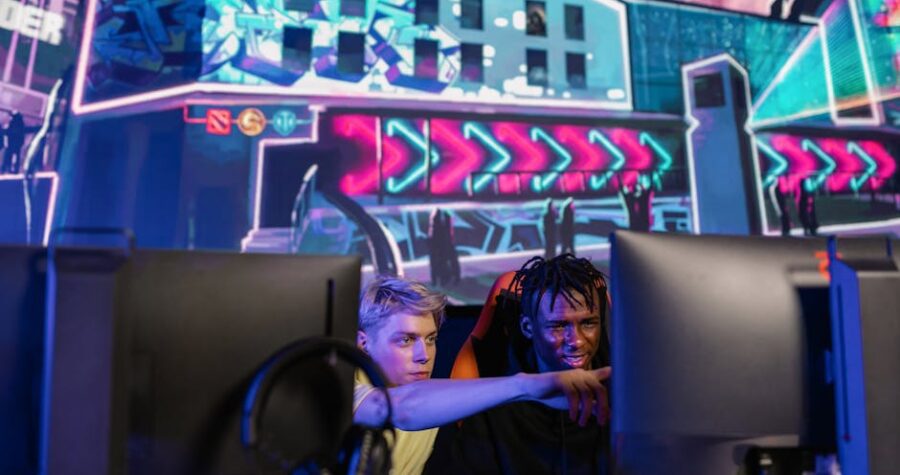
Esports sponsorship strategy: how to build long-term brand partnerships that actually deliver ROI
An esports sponsorship can look impressive on a deck and still fail in practice. A logo on a jersey is not a strategy, and a flashy activation does not guarantee sales, retention, or recall.
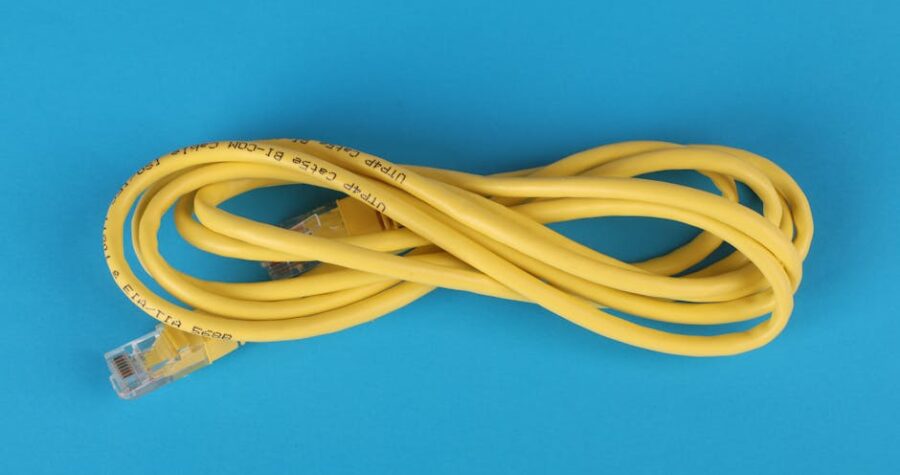
Packet loss fix: step-by-step testing to stop drops and stabilize competitive gaming
Packet loss can turn a clean match into a mess. One second your shots land, the next your character rubber-bands, inputs feel late, and the scoreboard tells a different story than your screen.