

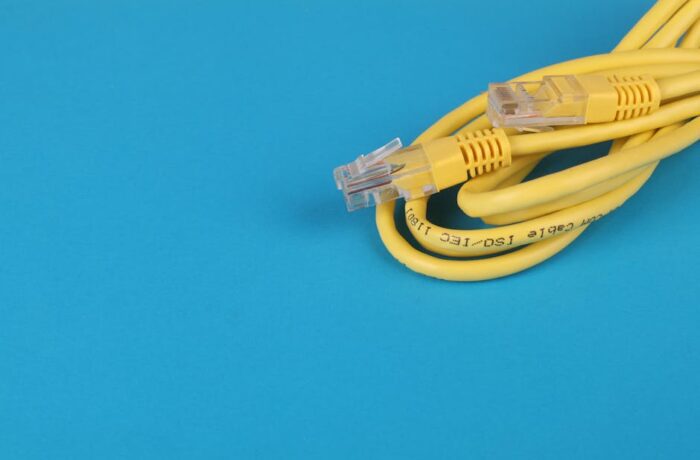
Network troubleshooting checklist for packet loss: step-by-step fixes for wi‑fi and ethernet
Packet loss can make a game stutter, a video call freeze, or a file transfer crawl. When latency climbs and FPS drops, the cause is not always the app itself.

Esports sponsorship strategy for growing teams: build partner fit, deliverables, and ROI beyond tournaments
For growing teams, sponsorship is not just about putting a logo on a jersey and hoping for the best. A strong esports sponsorship strategy esports marketing plan turns your team into a media asset, a content engine, and a measurable partner for brands that want reach, trust, and repeat exposure.
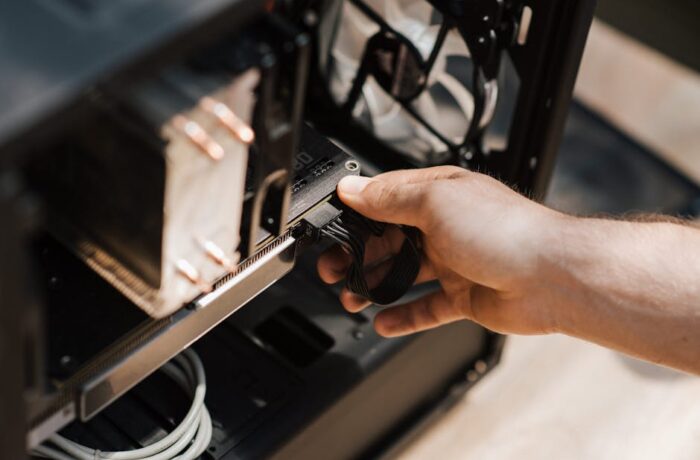
CS2 stutter and latency spikes: quick fixes and troubleshooting checklist for smoother gameplay
Few things ruin a CS2 match faster than a clean opening duel turning into a frozen screen, a rubber-band step, or a sudden ping jump. When that happens, the problem is often a mix of network hiccups, system load, driver issues, or background apps fighting for bandwidth and CPU time.
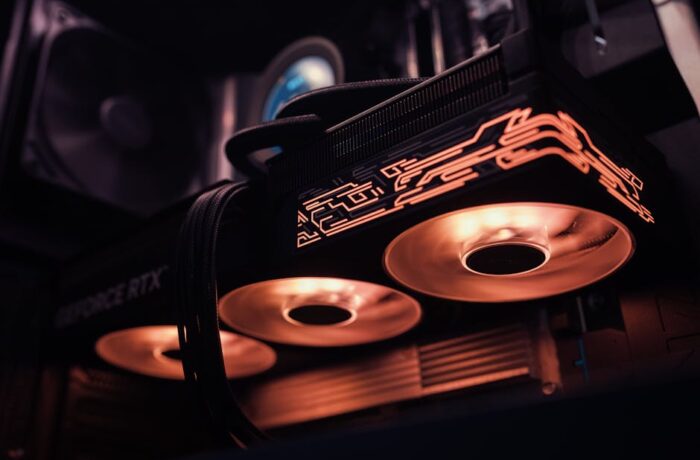
Fortnite performance guide: how to reduce stutter and boost FPS
Fortnite can feel smooth one match and choppy the next. That jumpy behavior usually comes from stutter, FPS drops, or both, and the fix is rarely just one setting.
Network troubleshooting checklist for packet loss: step-by-step fixes for wi‑fi and ethernet
Packet loss can make a game stutter, a video call freeze, or a file transfer crawl. When latency climbs and FPS drops, the cause is not always the app itself.
Esports sponsorship strategy for growing teams: build partner fit, deliverables, and ROI beyond tournaments
For growing teams, sponsorship is not just about putting a logo on a jersey and hoping for the best. A strong esports sponsorship strategy esports marketing plan turns your team into a media asset, a content engine, and a measurable partner for brands that want reach, trust, and repeat exposure.
CS2 stutter and latency spikes: quick fixes and troubleshooting checklist for smoother gameplay
Few things ruin a CS2 match faster than a clean opening duel turning into a frozen screen, a rubber-band step, or a sudden ping jump. When that happens, the problem is often a mix of network hiccups, system load, driver issues, or background apps fighting for bandwidth and CPU time.
Fortnite performance guide: how to reduce stutter and boost FPS
Fortnite can feel smooth one match and choppy the next. That jumpy behavior usually comes from stutter, FPS drops, or both, and the fix is rarely just one setting.